Jun 5, 2026
  11 Min Read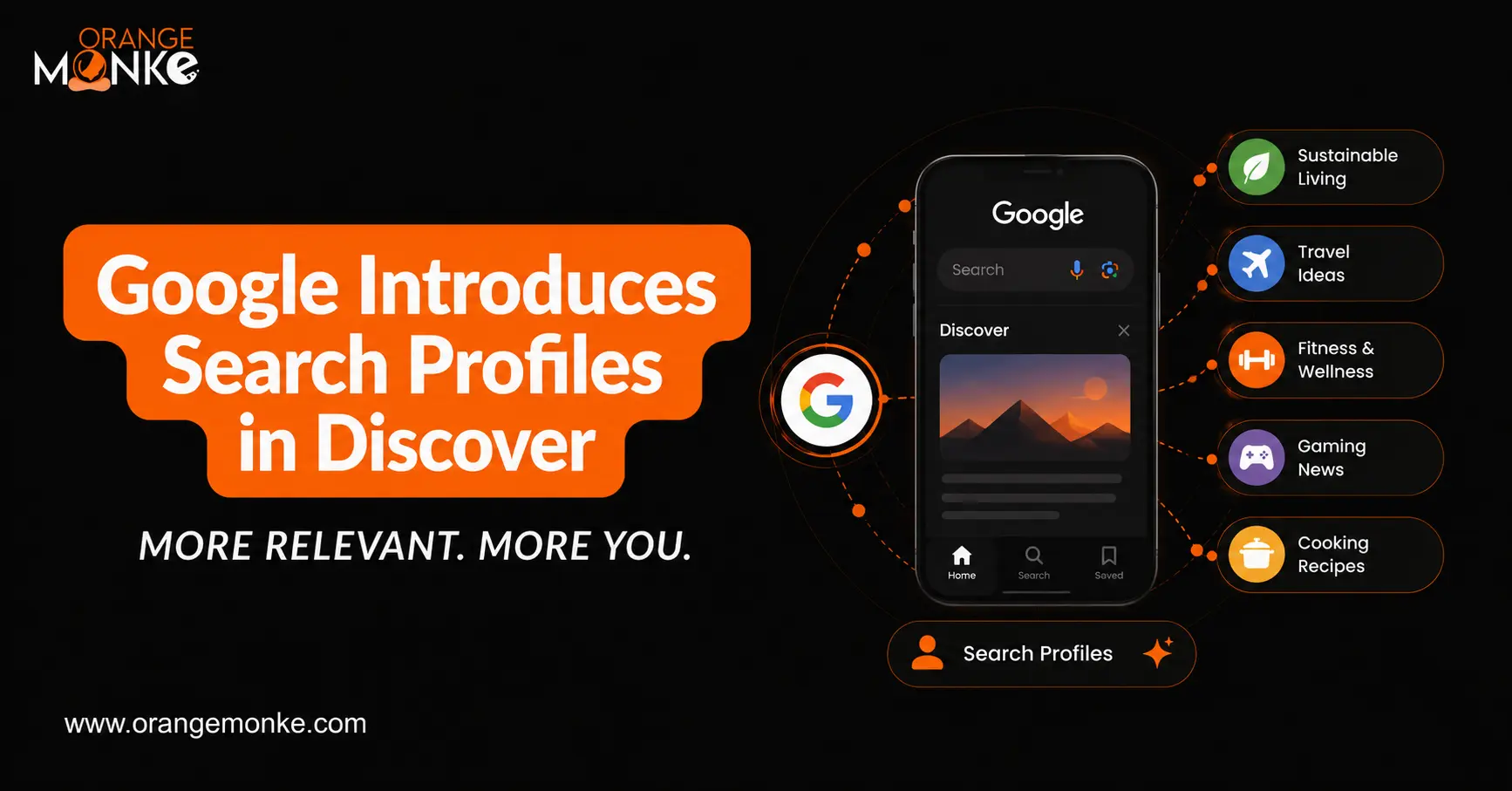
| Google has launched Search profiles, a new, dedicated space within Google Discover where publishers, creators, and brands can showcase their work and grow a following directly on Google. Announced on June 4, 2026, the feature is rolling out first in the United States to those with a sizable audience on at least one major platform. |
For years, the relationship between a creator and their audience on Google has been one-directional: you publish, Google ranks, a user clicks once, and leaves. Search profiles change that dynamic by introducing something Google has never offered publishers before, a follow button that lives inside Google itself.
If you create content for a living, this is one of the more consequential Google updates of the year, and the early movers will benefit most. Let’s break down everything you need to know.
What Are Google Search Profiles?
A Google Search profile is a dedicated, shareable landing page that lets publishers and creators highlight their latest articles, videos, and social posts in one central place on Google. Users can follow a source directly from its profile, which makes them more likely to see that source’s content in their Google Discover feed, the personalized content stream on the home screen of the Google app.
In Google’s own framing, Search profiles are a new way for publishers and creators to shape their presence on Search, giving audiences an accurate, up-to-date place to find and follow the sources they trust. The feature was announced by Ibrahim Badr, a Product Manager on Google Search, on June 4, 2026.
A Search profile typically includes:
- A large header image and avatar that represent the brand or creator
- A follow button so users can subscribe to your content inside Google
- A feed of your latest articles
- Your most recent videos (for example, from YouTube)
- Your latest social posts from connected platforms
- A short bio, website link, and links to your social and video platforms
Crucially, this is not a passive, Google-generated box. It is a space you claim and manage. That distinction, control plus a built-in follow mechanism, is what makes Search profiles different from anything Google has given publishers before.
Where Do Search Profiles Appear?
Search profiles are primarily a mobile experience right now, and users can reach them through three entry points:
- From a knowledge panel: On mobile, tap View Search Profile at the bottom of a creator’s or publisher’s knowledge panel (the information box that appears in Search for notable people, places, and things).
- From Google Discover: When your content shows up in a user’s Discover feed, they can tap your name in the header to open your profile.
- From a direct URL:Each profile has a shareable web address based on your handle (for example, profile.google.com/@yourhandle), which you can promote anywhere. That direct, shareable URL matters more than it first appears. It means you can drive your existing email list, social audiences, and website visitors to a Google-owned page where they can follow you, turning one-time readers into a recurring Discover audience.
Google’s Search Profile Eligibility Requirements
At launch, Search profiles are limited to established creators. To qualify, you must be 18 or older, be based in the United States, meet Google’s content and community guidelines, and hit a minimum following on at least one of the following platforms.
| Platform | Minimum Followers / Subscribers |
| YouTube | 100,000 subscribers |
| 100,000 followers | |
| X (Twitter) | 100,000 followers |
| TikTok | 300,000 followers |
You only need to clear the threshold on one platform to be eligible, not all of them. Once your profile exists, you can link additional accounts to pull more content into it, even if those accounts are below the threshold.
| Availability at a Glance
Region: United States only at launch Audience: Creators, publishers, and brands with a sizable following Age: Profile owner must be 18+ (you can manage a profile for someone under 18) Global rollout: Google has said it will expand to more creators worldwide over time |
How to Create a Google Search Profile
Setting up a Search profile takes only a few minutes, but there is one important step many creators skip: checking whether Google already made one for you.
Step 1: Check for an Existing Profile First
If you already have a knowledge panel and meet the requirements, Google may have automatically generated an unclaimed profile in your name. To check:
- Go to profile.google.com and make sure you’re signed in to the Google Account linked to your creator activity.
- Search for your name or creator handle.
- Next to your knowledge panel, tap More, then View Search Profile.
- If a profile already exists, claim it (see the next section) rather than creating a duplicate.
Step 2: Create the Profile
If no profile exists yet, here’s how to set one up:
- Go to profile.google.com/claim.
- Sign in to the Google Account you want to use for your profile. If you have a YouTube channel, use the same Google Account, or one you manage.
- Sign in to at least one content platform account that meets the minimum follower requirement. You’ll be notified if an unclaimed profile is already linked to that account.
- Optionally add more content platform accounts to enrich your profile.
- Click Create Profile.
Quick Tips for Setup
|
How To Claim An Existing Search Profile
For many established publishers, Google has likely pre-generated a profile based on your existing online presence. Claiming it gives you editorial control over how you appear.
When you sign in to a qualifying content platform during setup, Google tells you if an unclaimed profile is already associated with that account. Before you claim it, review the other accounts linked to the profile to make sure everything belongs to you. Then complete the claim.
One important knock-on effect: claiming a profile may trigger the creation of a knowledge panel for eligible creators. And if you already have a knowledge panel, it will be enhanced with your updated avatar, your latest content, and a direct link to your profile. In other words, claiming your Search profile can strengthen your overall entity presence on Google — a meaningful win for brand SEO.
How to Manage and Optimize Your Profile
Once your profile is live, you can shape how it looks and what it shows. Treat it like any other owned channel: a complete, active profile will always outperform a bare one.
What You Can Customize
- Avatar and header image — your visual identity
- Bio — a concise description of who you are and what you cover
- Website link
- Social and video platform links
- Additional content that represents your work
Good to Know
- When you link a new social account, Google automatically adds its content, and new posts typically appear within 24 hours.
- Changes to factual information — your name, social links, and bio — require Google’s approval and stay in a Pending status until reviewed.
- To manage multiple identities (a personal brand, a podcast, a publication), create a separate profile for each, using a separate Google Account. The same content platform account can be linked to more than one profile.
How to Get the Most Out of Your Profile
- Complete every field, a filled-out bio, avatar, header image, and full set of platform links make your profile look credible and worth following.
- Link all qualifying platforms, the more active feeds you connect, the fresher content your profile displays, and the more reasons users have to follow.
- Stay active on your linked accounts. Your profile is only as compelling as the content flowing into it.
- Promote your profile URL across your newsletter, link-in-bio, and website so existing fans can follow you on Google.
- Pair it with Discover-friendly content with strong, accurate headlines and high-quality images to give your posts the best chance of surfacing once people follow you.
Search Profiles vs. Knowledge Panels: What’s the Difference?
These two features are closely linked but serve different purposes, and the distinction matters when you plan your Google presence.
| Aspect | Knowledge Panel | Search Profile |
| What it is | An information box Google generates about a notable person, place, brand, or entity | A creator-managed showcase of your latest content with a follow button |
| Who controls it | Google generates it; verified owners can suggest edits | The creator, publisher, or brand claims and actively manages it |
| Main purpose | Provide quick facts and information about an entity | Help audiences discover, follow, and engage with your content |
| Relationship | Can link out to a Search Profile when available | Claiming and maintaining a Search Profile can help strengthen your entity presence and may enhance a Knowledge Panel |
Think of the knowledge panel as Google’s summary of who you are, and the Search profile as your storefront — the place where you actively distribute work and convert searchers into followers.
Do Google Search Profiles Affect SEO Rankings?
No, not directly. Google explicitly states that creating a Search profile does not affect your content’s ranking on Google Search. So if you’re hoping a profile will lift your blog posts up the results pages on its own, it won’t.
The value is indirect but real. When someone follows you from your profile, they become more likely to see your content in Google Discover. Over time, that builds a recurring distribution channel that doesn’t depend on ranking #1 for a query, which is increasingly valuable as AI Overviews reduce clicks on traditional blue links. On top of that, the knowledge panel enhancement that often comes with claiming a profile strengthens your entity signals, which support your broader brand authority and overall search visibility.
| The Honest Takeaway
A Search profile is a distribution and following tool, not a ranking hack. Its payoff shows up as Discover impressions and follower growth, not as a sudden jump in keyword positions. Set expectations accordingly. |
Why Search Profiles Matter for Publishers, Creators & Brands
It’s tempting to file this under “minor Google feature.” That would be a mistake. Here’s why Search profiles are strategically significant in 2026:
- Google added a follow button to itself. For the first time, you can build a subscriber base inside Google’s own ecosystem rather than renting an audience from a third-party platform.
- Discover is a serious traffic source. A loyal following increases your odds of recurring Discover impressions — traffic that arrives without anyone typing a query.
- It consolidates your cross-platform presence. Articles, videos, and social posts in one Google-owned hub make your work easier to find and follow.
- It signals Google’s publisher-retention strategy. As AI Overviewschange how people consume search results, Google is clearly investing in features that keep publishers and creators visible and rewarded for original work.
- Early movers gain an edge. Because eligibility is currently gated behind high follower thresholds, the creators who claim and optimize profiles now will establish their following before the field gets crowded.
The open question — and Google is aware of it — is whether features like this will be enough to keep publishers thriving as AI reshapes search. Either way, claiming the real estate you’re entitled to is a low-risk, high-upside move.
What to Do If You’re Not Yet Eligible
Most small businesses and newer creators won’t hit the 100,000-follower bar right away, and that’s fine. Search profiles will expand over time, so the smart play is to build the foundations now so you’re ready when access opens up. Before focusing on Search Profiles, ensure your technical SEO and entity signals are in place.
- Growing a following on one core platform. Pick the platform where your audience already lives and concentrate there rather than spreading thin.
- Strengthening your entity signals. Maintain a clear About page, consistent name and contact details, and links to your official social profiles so Google understands who you are.
- Publishing Discover-friendly content. Use high-quality images at least 1200px wide, write accurate non-clickbait headlines, and cover timely, people-first topics.
- Nailing SEO fundamentals. Crawlability, indexing, mobile speed, and helpful content remain the backbone of visibility. If you’re just getting started, our guide on how to start SEO for a small website walks through the basics.
- Doing the keyword groundwork. Understanding what your audience searches for keeps your content aligned with real demand — see our primer on keyword research.
Conclusion
Google Search profiles are a quiet but important shift: a Google-owned space where publishers and creators can showcase their work and, for the first time, build a following inside Search and Discover. They won’t lift your rankings on their own, but they create a durable distribution channel and strengthen how Google understands your brand, both of which matter more every quarter as AI reshapes the results page.
If you’re eligible, check for an existing profile, claim it, and fill it out completely today. If you’re not there yet, build the following and the SEO foundation that will get you in the door. This is where Orange MonkE comes in, we help brands and creators grow their audience, win visibility across every Google surface, and turn search presence into real, lasting growth.
Frequently Asked Questions
What are Google Search profiles?

Google Search profiles are dedicated, shareable landing pages that let publishers and creators showcase their latest articles, videos, and social posts in one place on Google. Users can follow a source directly from its profile and are then more likely to see that content in Google Discover.
Who is eligible for a Google Search profile?
At launch, you must be 18 or older, based in the United States, meet Google's content policies, and have a minimum following on at least one platform: 100,000 on YouTube, Instagram, or X, or 300,000 on TikTok.
Are Google Search profiles available outside the US?
No, Search profiles launched in the United States first. Google has said it plans to expand the feature to more publishers and creators around the world over time.
How do I create a Google Search profile?
Go to profile.google.com/claim, sign in to your Google Account, then sign in to at least one content platform that meets the follower requirement. Review any linked accounts and click Create Profile. Check profile.google.com first in case Google already generated one for you.
Do Search profiles improve my Google rankings?
No, Google states that creating a Search profile does not directly affect your content's ranking on Google Search. The benefit is indirect: when people follow you from your profile, they're more likely to see your content in Google Discover.
What is the difference between a Search profile and a knowledge panel?
A knowledge panel is an information box Google generates about a notable person, place, or thing. A Search profile is a creator-managed showcase of your latest content with a follow button. Claiming a profile may trigger or enhance your knowledge panel.
How long does it take for content to appear on my profile?
When you link a new social account, Google automatically pulls in its content and new posts typically go live on your profile within 24 hours. Changes to factual details like your name, bio, or links require Google approval first and stay in a Pending status until reviewed.
Can brands and businesses get a Search profile?
Yes, Google introduced Search profiles for creators, publishers, and brands. As long as the account meets the platform follower threshold and policy requirements, a brand can claim and manage a profile.